Restaurant PWA
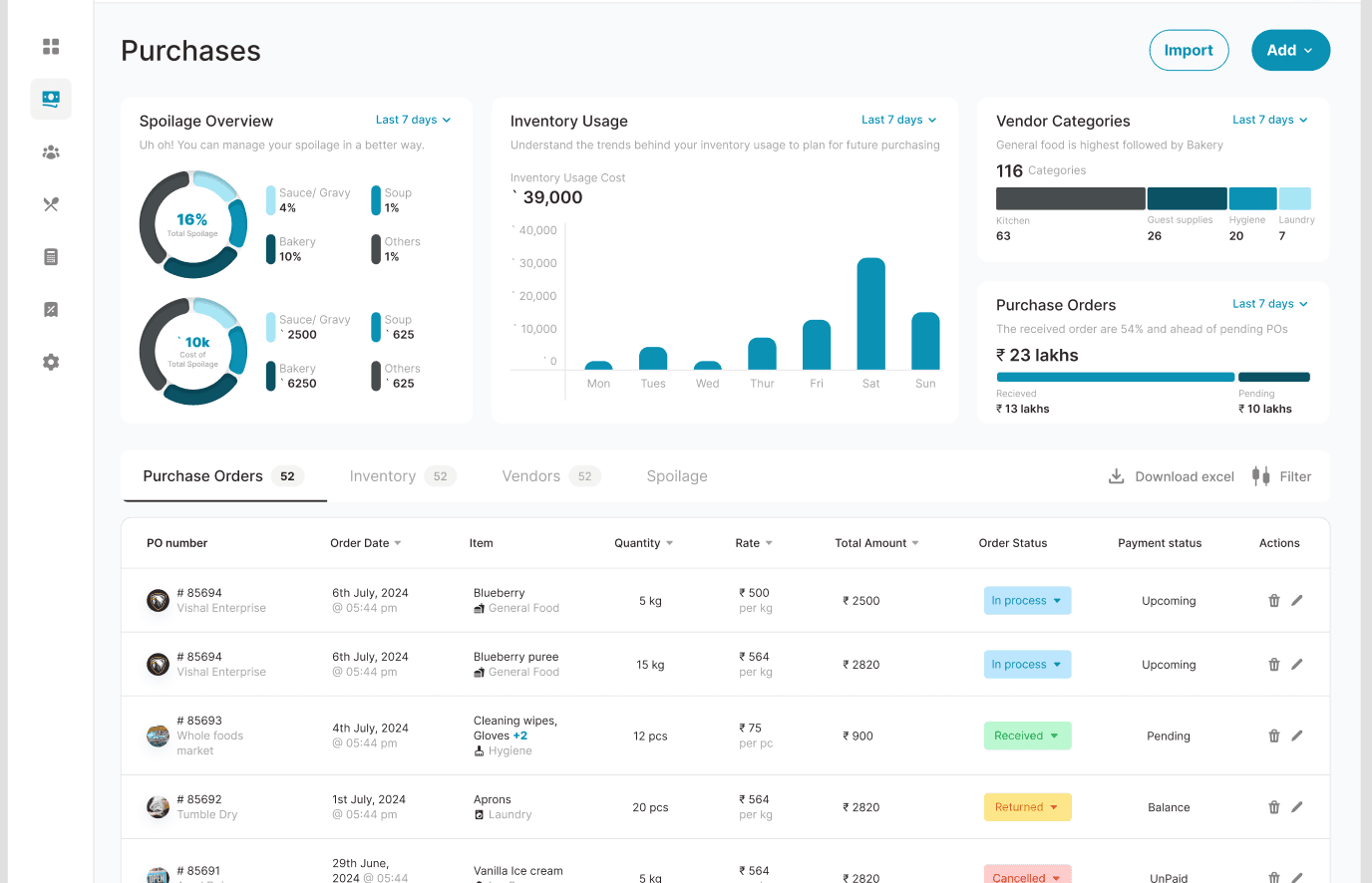
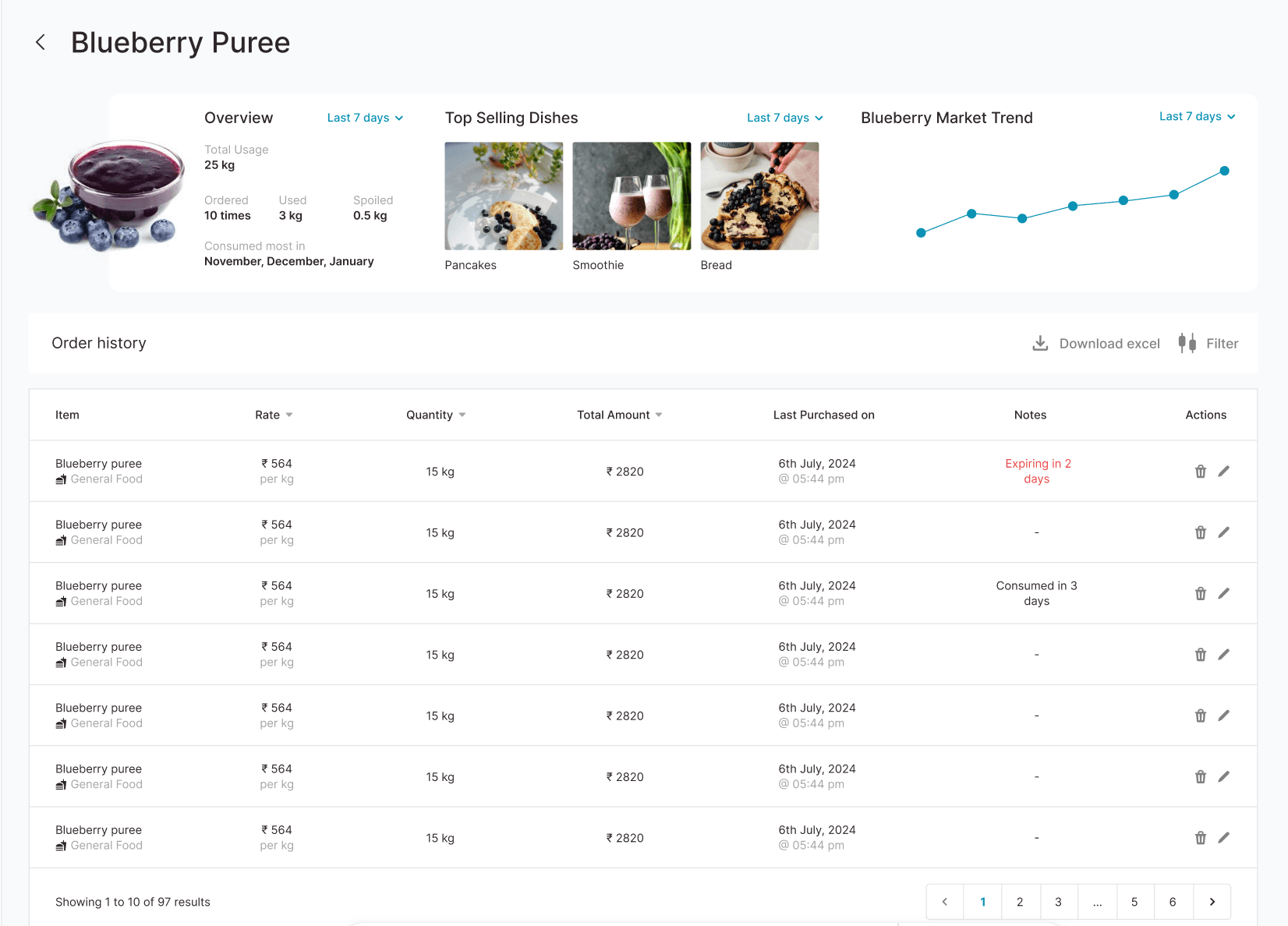
Overview
A Progressive Web App built for restaurant operations management. Covers the full operational stack from purchase orders and accounts payable to HR management and food & beverage cost tracking, all accessible offline on any device.
At a Glance
300+
Tests
6
User Roles
4
Core Modules
100%
Offline Ready
Key Features
Purchases Module
Complete purchase order lifecycle with vendor management, approval workflows, and goods receiving.
Accounts Module
Financial tracking with payables, receivables, expense categorization, and reporting.
HR Module
Employee management, attendance tracking, leave management, and payroll integration.
F&B Module
Food & beverage cost tracking, recipe management, waste monitoring, and margin analysis.
Role-Based Access
6 user roles, each with their own access level for every module — full access, edit-only, view-only, or no access at all. Granular control over who can see and change what.
Charts & Reporting
Interactive data visualizations with Nivo for financial trends, operational metrics, and management reports.
System Architecture
Four business modules — Purchases, Accounts, HR, Food & Beverage — sitting on a Progressive Web App foundation with shared login and reporting. The app installs on any tablet or phone like a native app and keeps working when the WiFi drops.
Login & Permissions
Purchases
Accounts
HR
F&B
Reporting
Offline Sync
Notifications
Technical Highlights
Built as a Progressive Web App — installs on any tablet or phone like a native app, and keeps working when the WiFi drops in the kitchen
6 user roles, each with their own permissions per module — every person sees and edits exactly what their job requires
When something goes wrong (connection lost, server slow, missing data), staff see a clear message and a way forward — never a blank screen
300+ automated tests covering every module, so updates ship without breaking what already works
Next Step
Running an operation like this?
If you're wrestling with the same kind of complexity — multi-branch inventory, formulations, approval workflows — tell me about it. I'll respond within 24 hours with an honest assessment.
Start a conversation